

Kora Founders Edition Install 3.11 | Power Up and Check the Powerblocks
Switch on the Powerblocks and confirm every unit is talking to the Smart Panel.
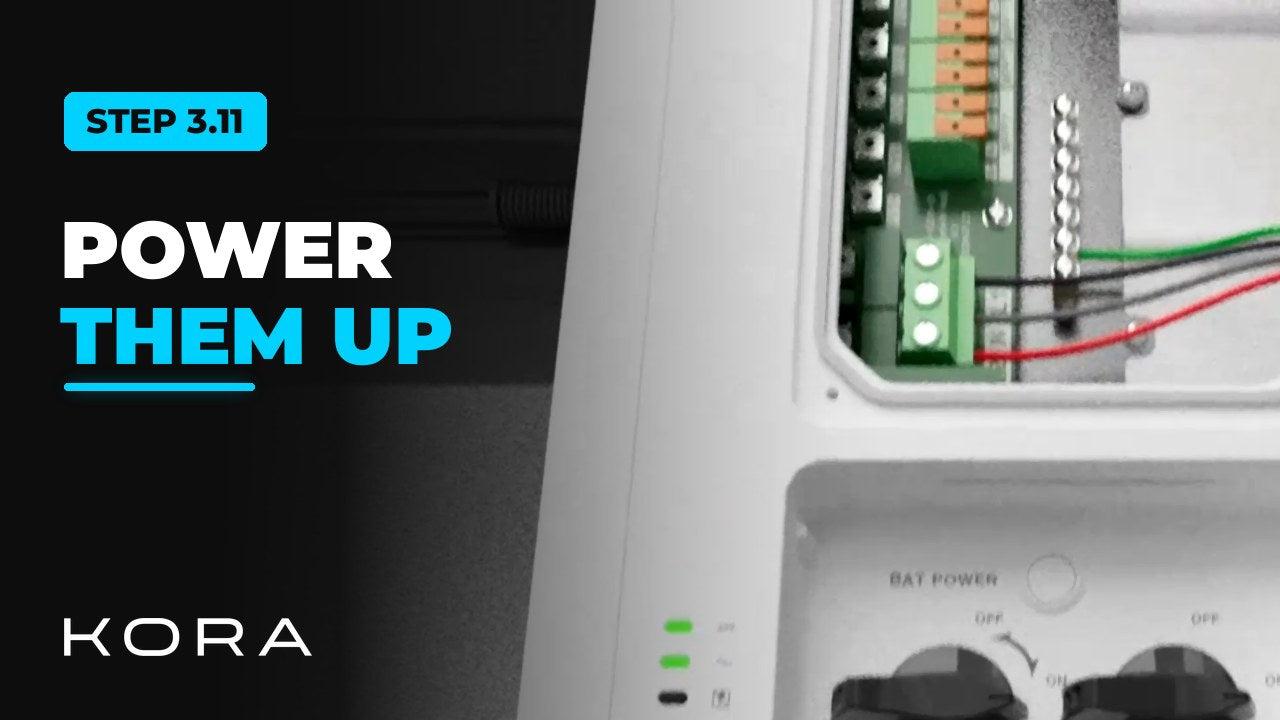
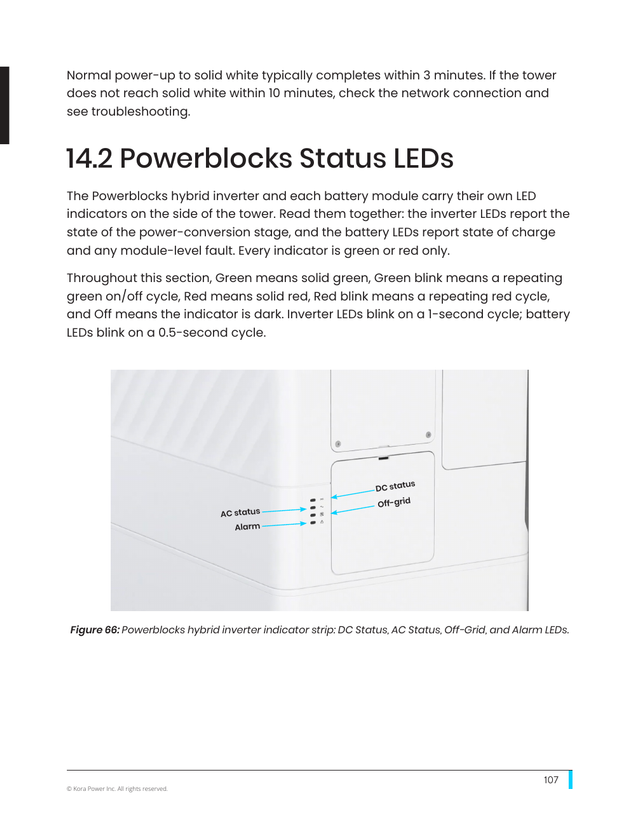
Switch on the Powerblocks and confirm every unit is talking to the Smart Panel. Watch the status LEDs on each tower as it comes up.
Every unit must be detected over the COMMS-BAT daisy chain during commissioning. A missing unit usually means a break or a loose connection in the chain.
Key steps
- Switch on each tower and check the status LEDs
- Confirm every unit is detected over the COMMS-BAT chain
- If a unit is missing, check the chain for a break or loose connection
Part of the Kora Smart Panel installation series for licensed electricians installing the Kora Founders Edition. Previous: 3.10 Install the Dead Front and Re-Energize.
From the manual
The matching pages from the Kora Smart Panel & Powerblocks Installation Manual. Always follow the manual and local code.
Share: