

Kora Founders Edition Install 3.10 | Install the Dead Front and Re-Energize
Install the Smart Panel's dead front, complete the pre-energize checks, then bring power back.
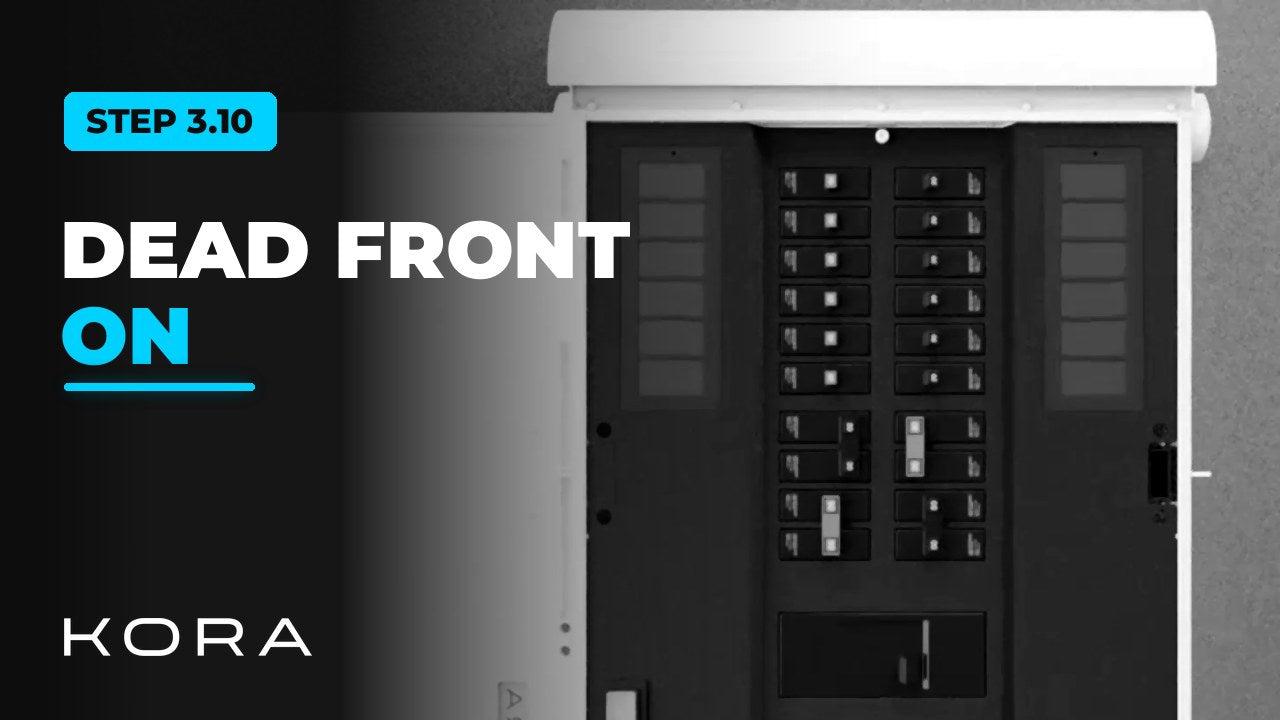
With the Powerblocks connected, install the Smart Panel's dead front: the touch-safe barrier over the high-voltage wiring. Breaker switches, LED status indicators and app pairing controls stay accessible.
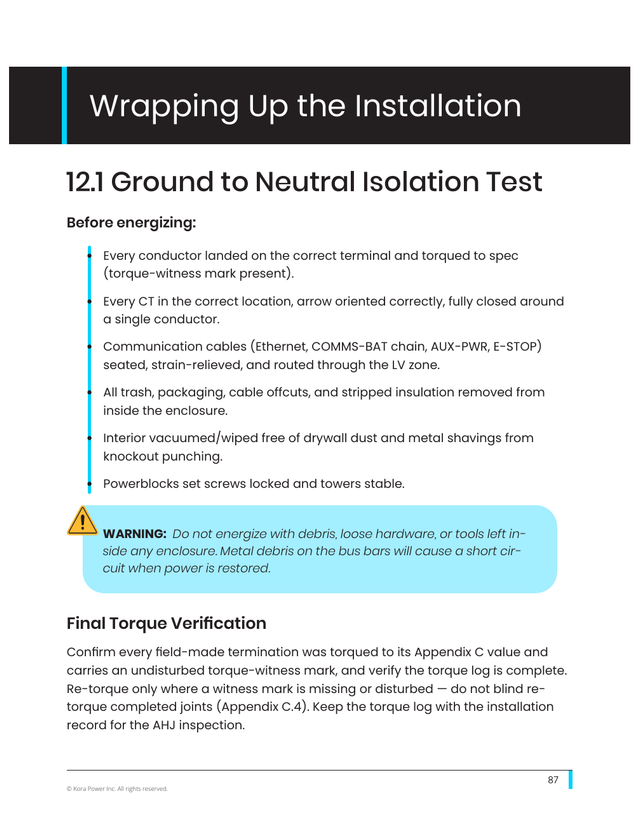
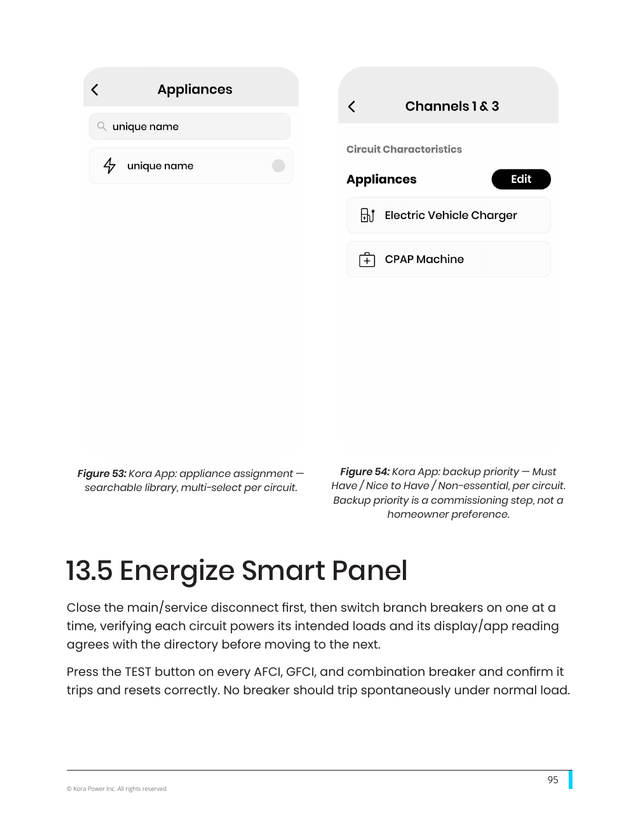
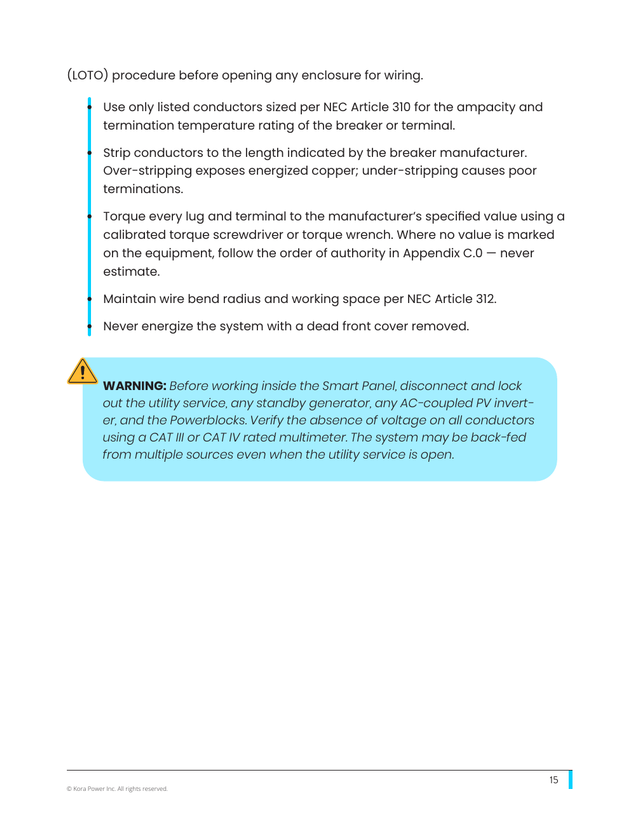
Never energize the system with the dead front removed. Before power goes back on for the first time, work through the manual's pre-energize checklist, then energize the Smart Panel before switching on the Powerblocks.
Key steps
- Install and secure the dead front
- Complete the manual's pre-energize checks
- Restore power from the utility or main panel
- Energize the Smart Panel before switching on the Powerblocks
Part of the Kora Smart Panel installation series for licensed electricians installing the Kora Founders Edition. Previous: 3.9 Solar-Ready Hybrid Inverter. Next: 3.11 Power Up and Check the Powerblocks.
From the manual
The matching pages from the Kora Smart Panel & Powerblocks Installation Manual. Always follow the manual and local code.
Share: