

Kora Founders Edition Install 2.6 | Installing Current Transformers (CTs)
Install the current transformers, the sensor clamps that let the system measure energy.
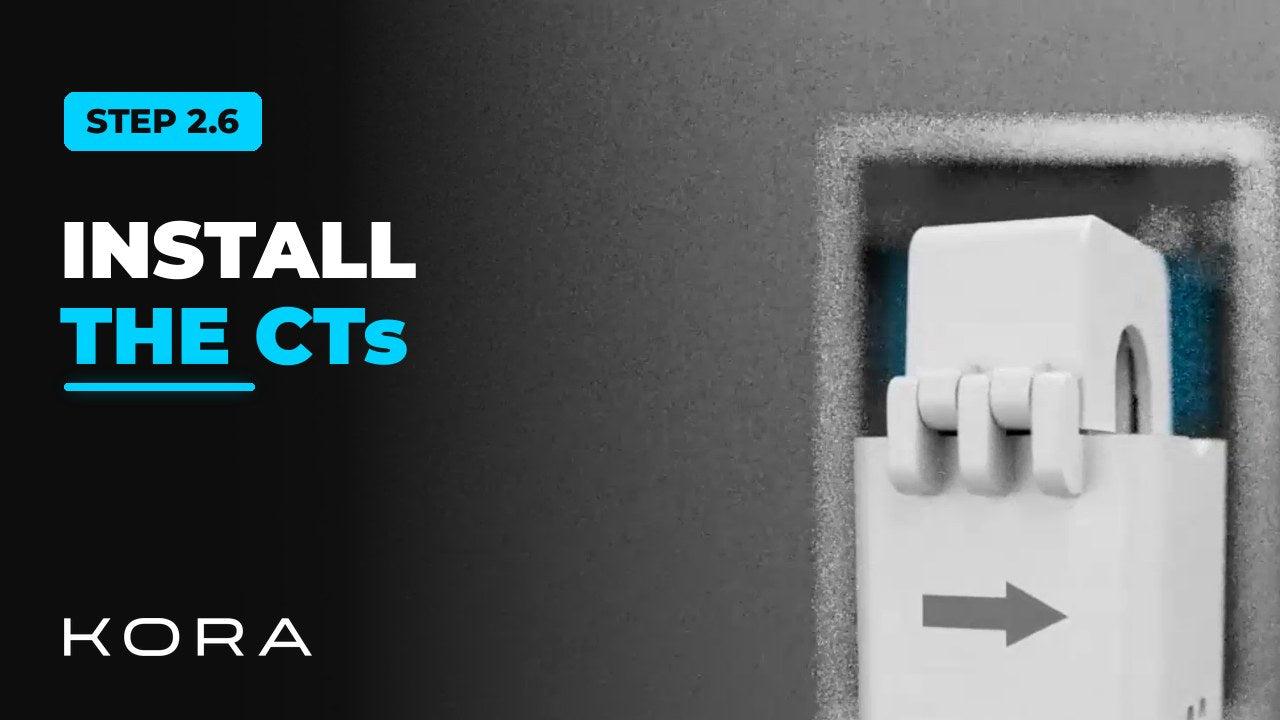
Install the current transformers (CTs), the sensor clamps that let the system measure energy flowing in and out of the home.
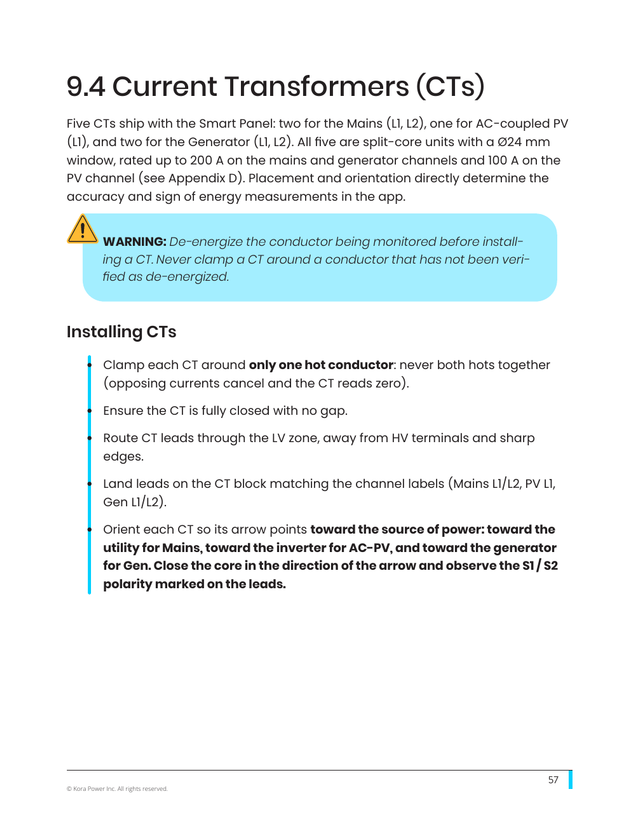
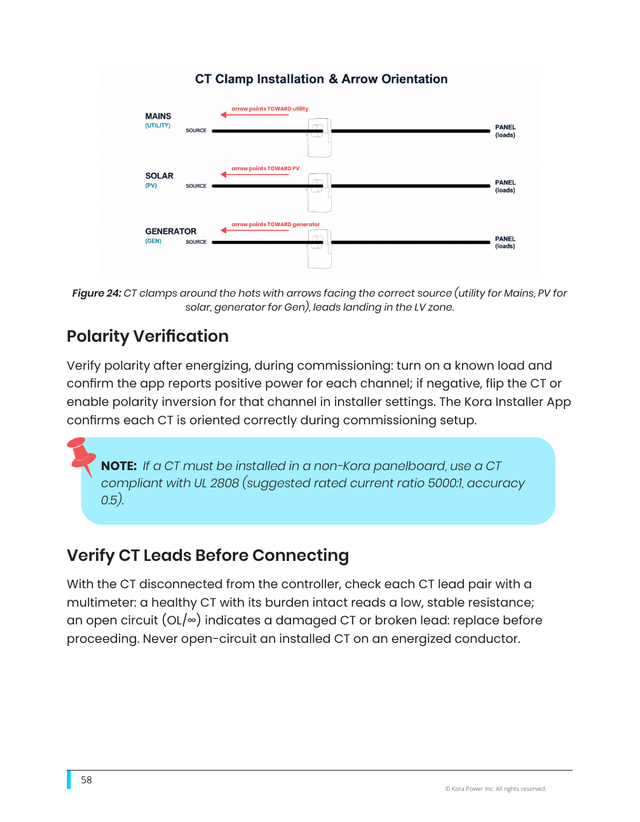
Clamp each CT around a single hot conductor with the arrow pointing toward the source of power. Direction matters, and it's confirmed during setup.
Key steps
- Clamp each CT around only one hot conductor
- Point the arrow toward the source of power
- Main service CTs point toward the utility
- Confirm each CT's direction in the app during setup
Part of the Kora Smart Panel installation series for licensed electricians installing the Kora Founders Edition. Previous: 2.5 Landing the Branch Breakers. Next: 2.8 Network Connection: Ethernet and Wi-Fi.
From the manual
The matching pages from the Kora Smart Panel & Powerblocks Installation Manual. Always follow the manual and local code.
Share: