

Kora Founders Edition Install 2.5 | Landing the Branch Breakers
Connect the branch breakers, the circuits the homeowner controls in the Kora Power App.
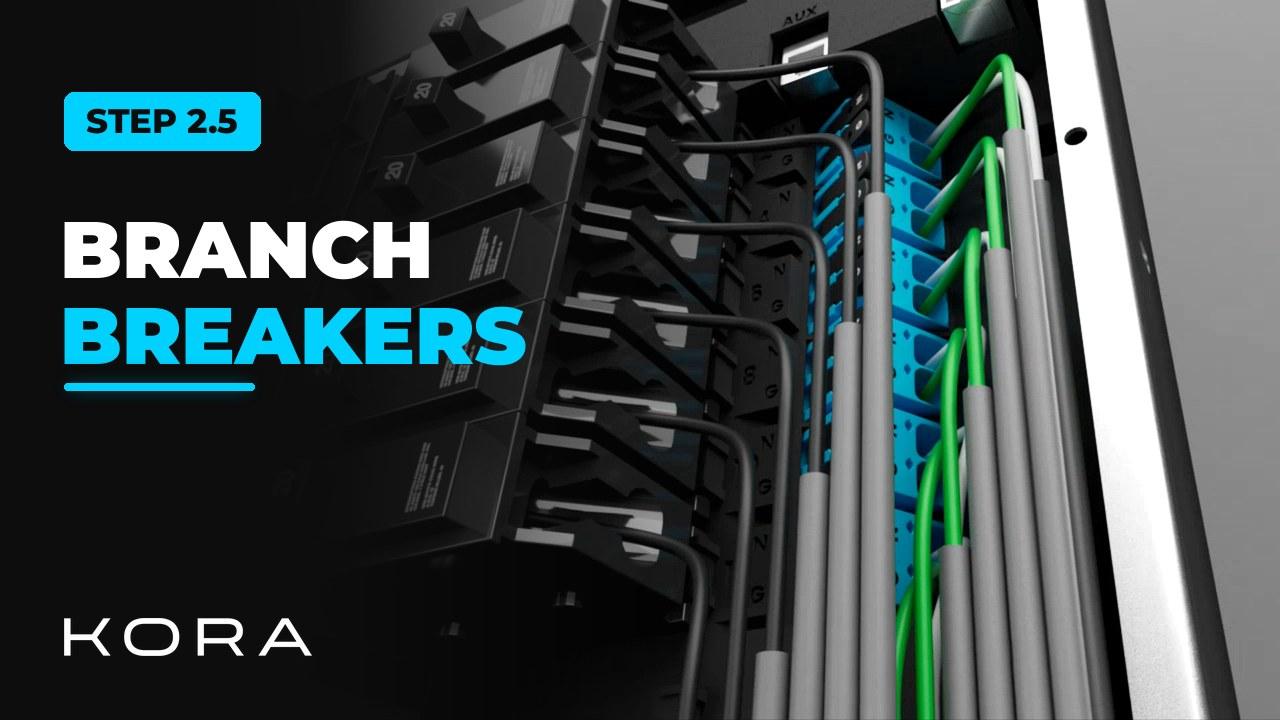
Connect the branch breakers: the circuits the homeowner will control in the Kora Power App. Branch breakers aren't included with the panel; use only breakers on the Kora-approved list.
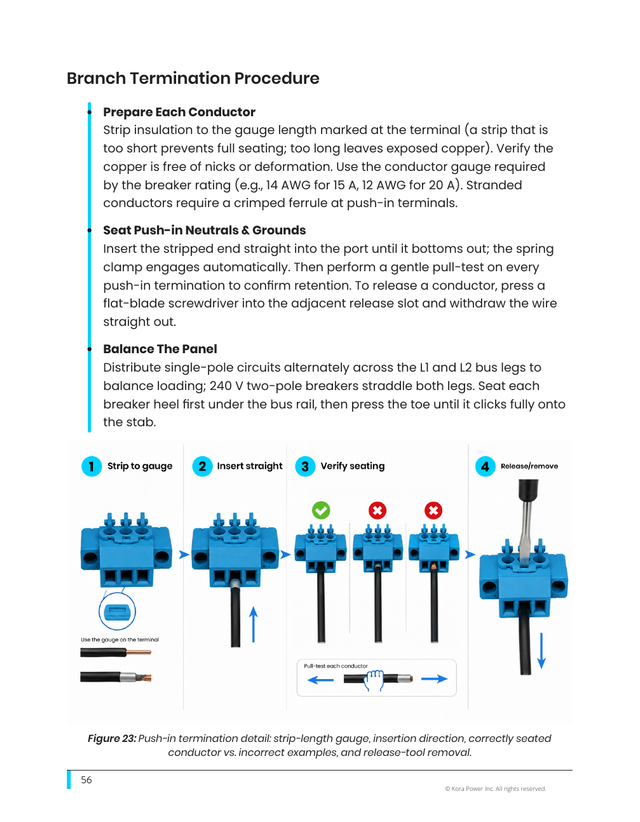
Each ground and neutral snaps onto the bus, which saves time on the install. Give each one a pull test, and balance circuits across L1 and L2.
Key steps
- Use breakers from the Kora-approved list
- Snap each ground and neutral onto the bus
- Land and torque L1 or L2 for each circuit
- Branch circuits are then controlled by the homeowner in the Kora Power App
Part of the Kora Smart Panel installation series for licensed electricians installing the Kora Founders Edition. Previous: 2.4 Connecting Existing Solar. Next: 2.6 Installing Current Transformers (CTs).
From the manual
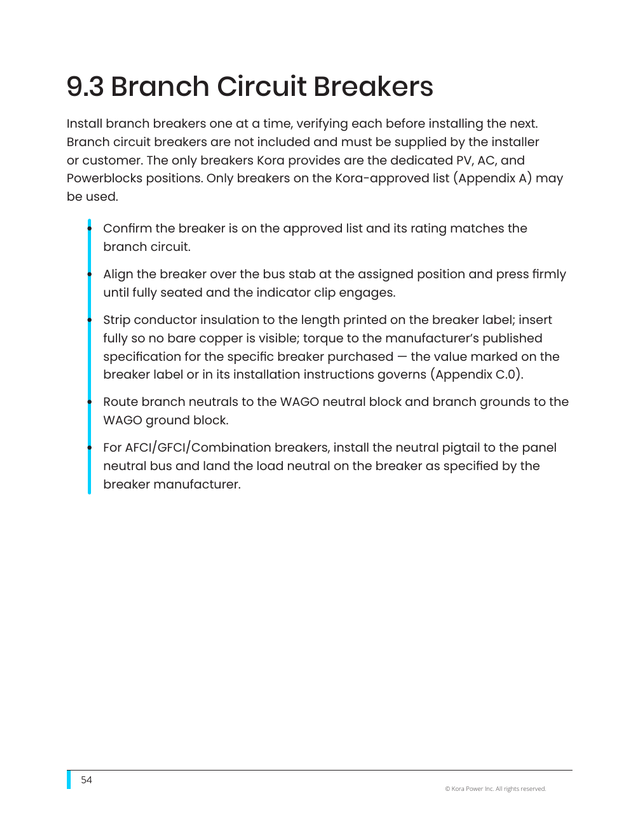
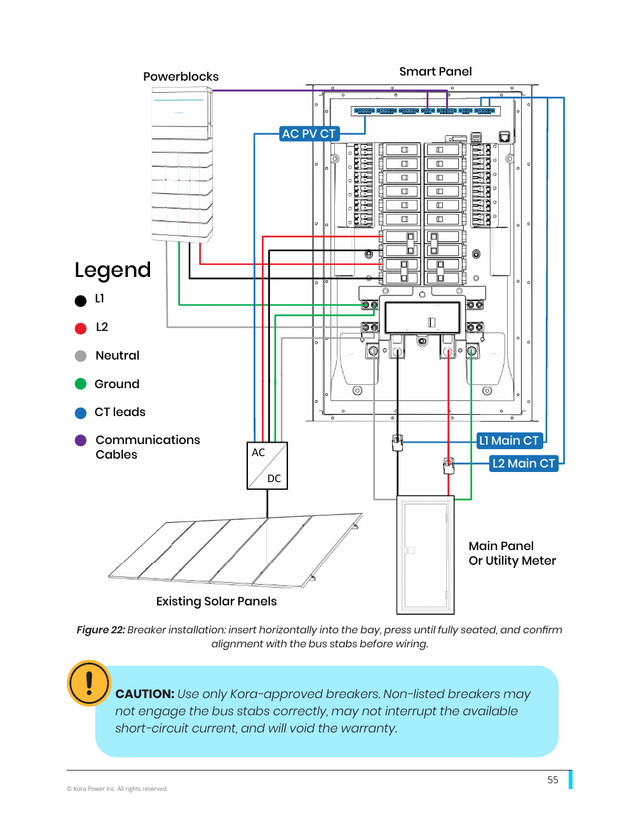
The matching pages from the Kora Smart Panel & Powerblocks Installation Manual. Always follow the manual and local code.
Share: