

Kora Founders Edition Install 1.6 | Set and Level the Main Assembly
Set the Smart Panel main assembly into the recess, level and plumb it, and lock it down.
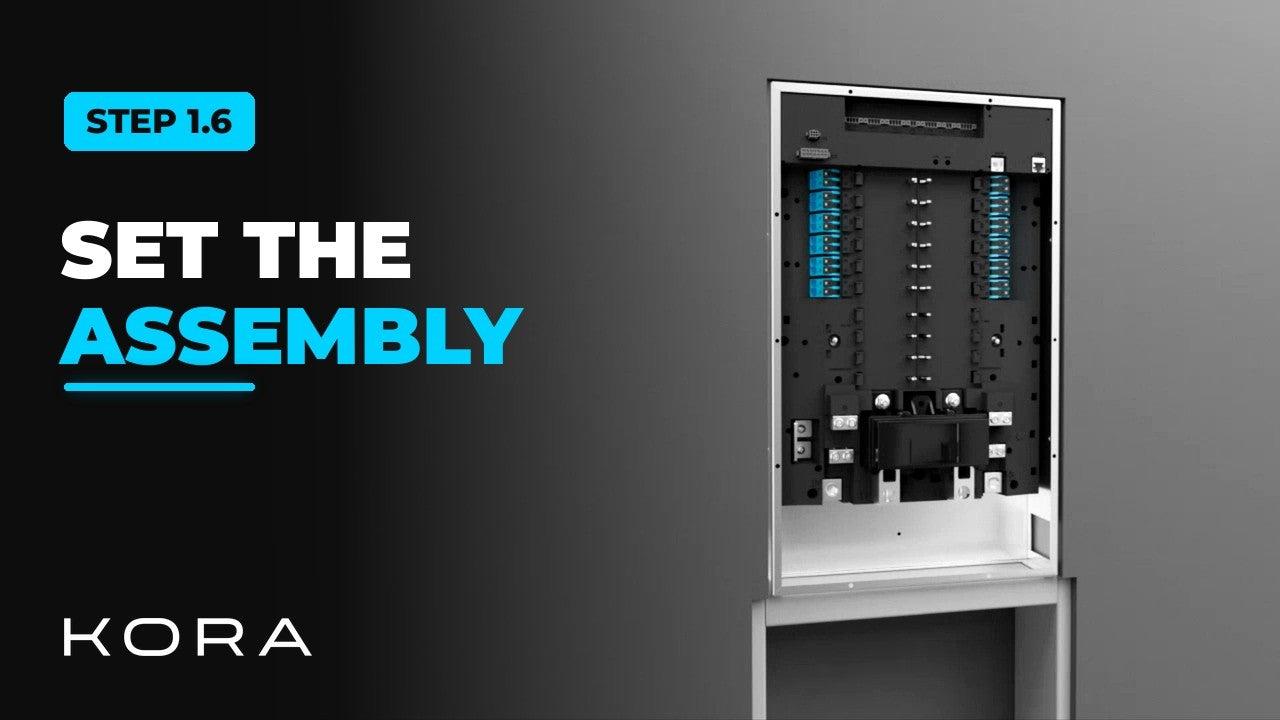
With the recess ready, set the Smart Panel main assembly into the wall. Two installers should lift it into the cavity.
Take the time to get it level and plumb in both directions before you fasten it. The door and display only sit right if the assembly is square.
Key steps
- Place the main assembly in the recess
- Check that it is level and plumb in both directions
- Lock it down with the mounting hardware
Part of the Kora Smart Panel installation series for licensed electricians installing the Kora Founders Edition. Previous: 1.5 Flush-Mount Recess and Backing. Next: 1.7 Cut, Strip and Land the Mains.
From the manual
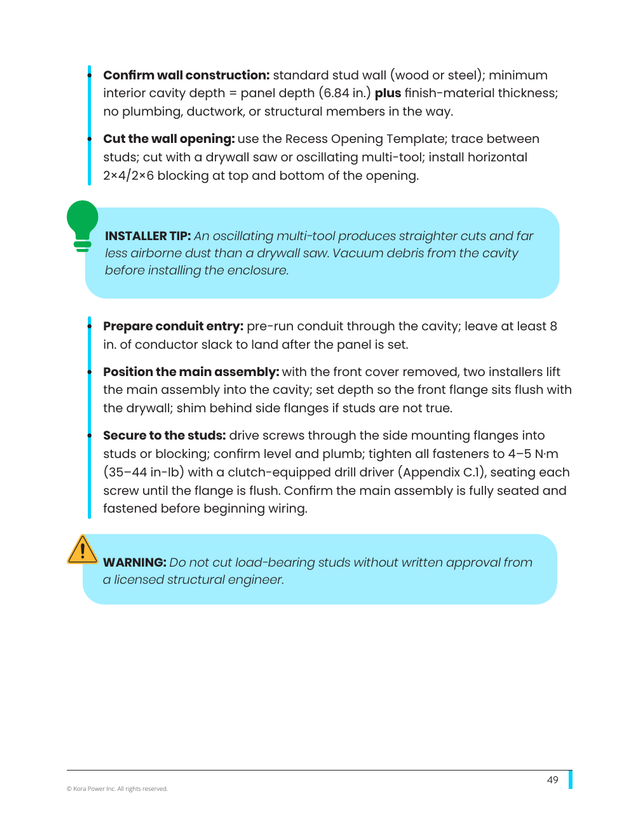
The matching pages from the Kora Smart Panel & Powerblocks Installation Manual. Always follow the manual and local code.
Share: