

Kora Founders Edition Install 1.4 | Surface-Mount Installation
Surface mount the Kora Smart Panel using its weatherproof exterior shell.
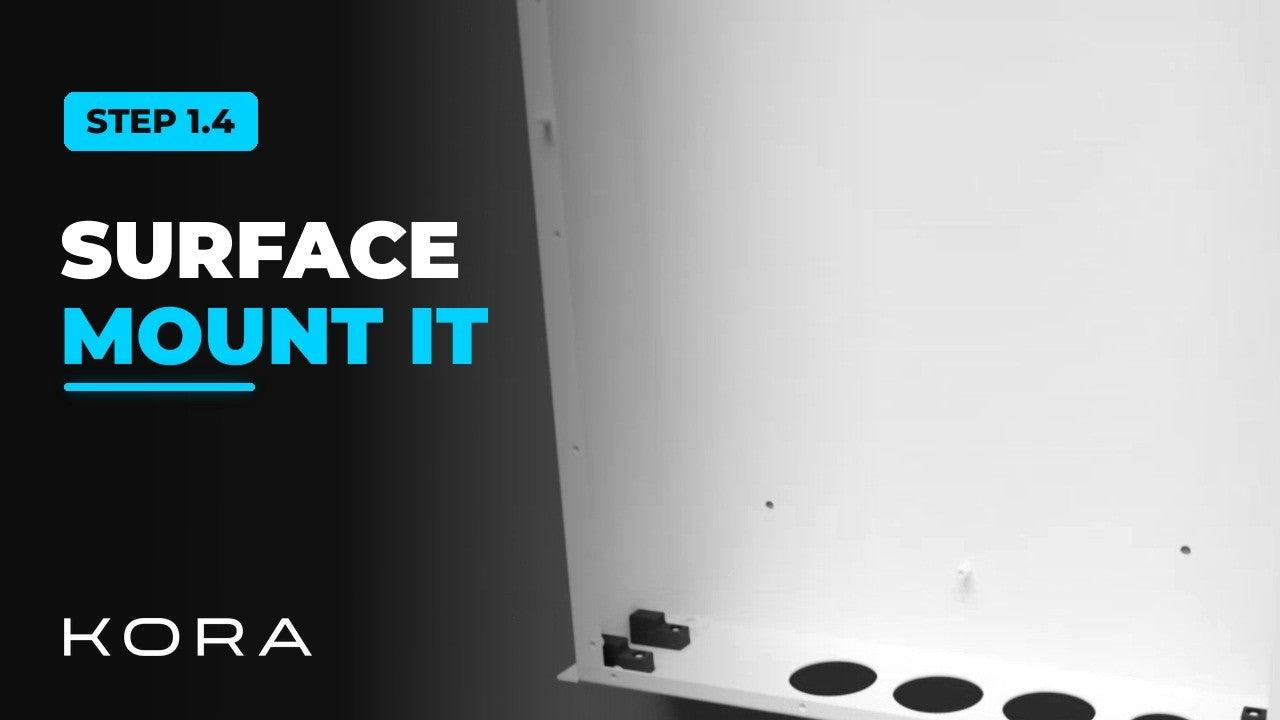
For an outdoor installation, or any install where the panel sits on the wall, surface mount the Smart Panel using its weatherproof exterior shell.
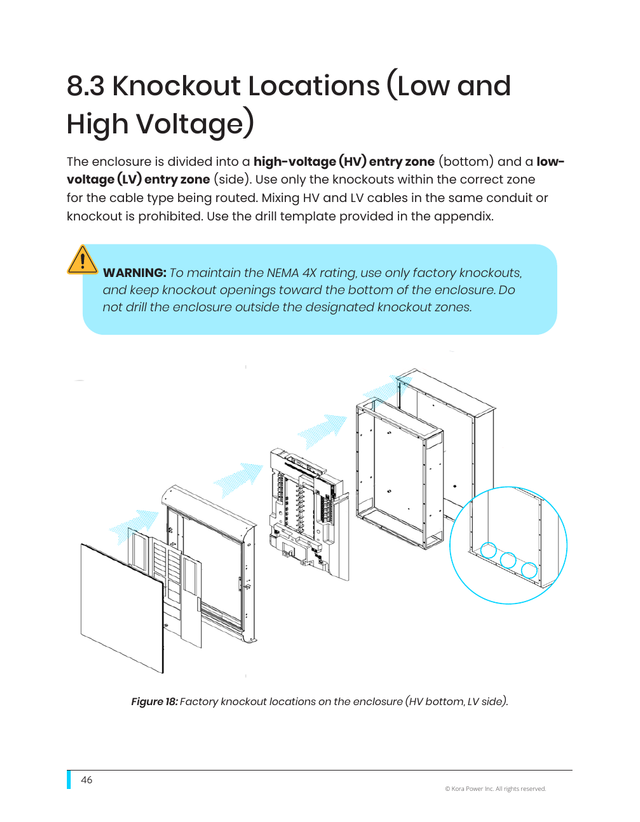
Keep high-voltage and low-voltage conduit entries separate, and only open the approved knockout locations. The main assembly is heavy, so plan for two people when it goes into the shell.
Key steps
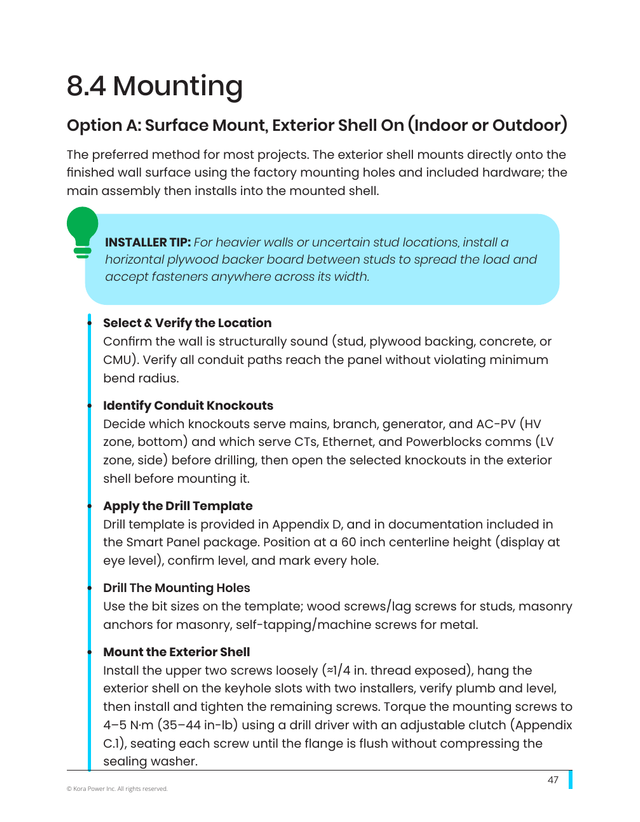
- Start with the exterior shell, the weatherproof outer box
- Cut conduit openings only at the approved knockout locations
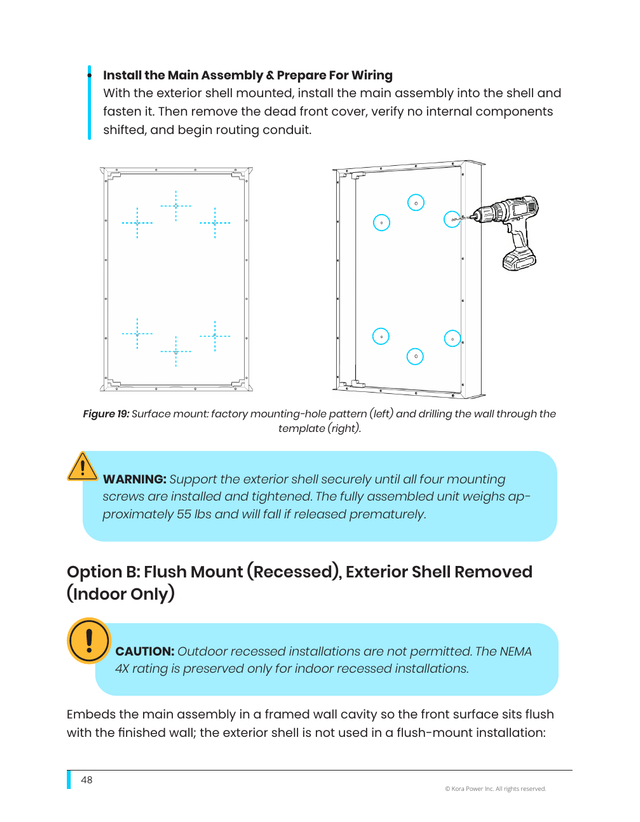
- Use the included drilling template to mark the wall for mounting
- Insert the Smart Panel main assembly into the exterior shell
Part of the Kora Smart Panel installation series for licensed electricians installing the Kora Founders Edition. Previous: 1.3 Surface Mount vs. Flush Mount. Next: 1.5 Flush-Mount Recess and Backing.
From the manual
The matching pages from the Kora Smart Panel & Powerblocks Installation Manual. Always follow the manual and local code.
Share: