

Kora Founders Edition Install 2.3 | Grid Connection: Ground, Neutral and Hots
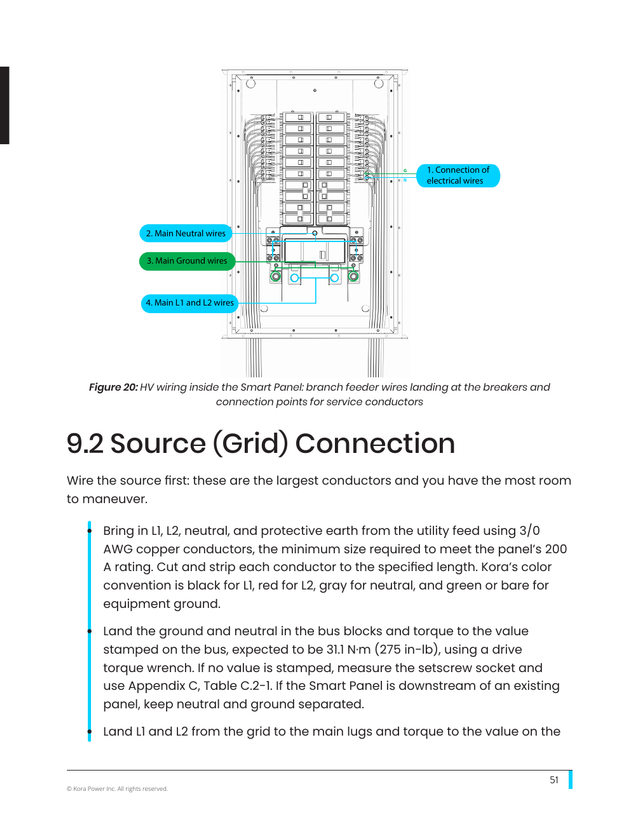
Land the utility feed in the Kora Smart Panel: ground and neutral first, then the two hots.
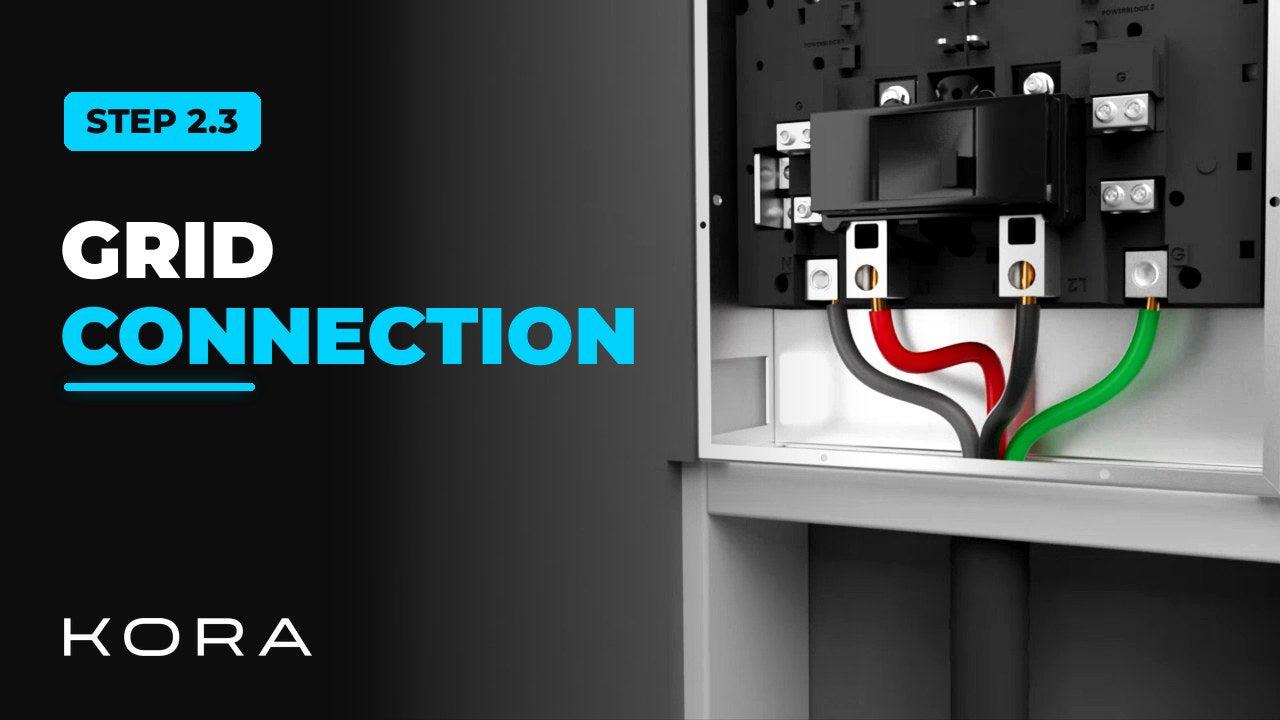
Land the utility feed in the Kora Smart Panel. Ground and neutral go on first and get torqued down, then the two hots.
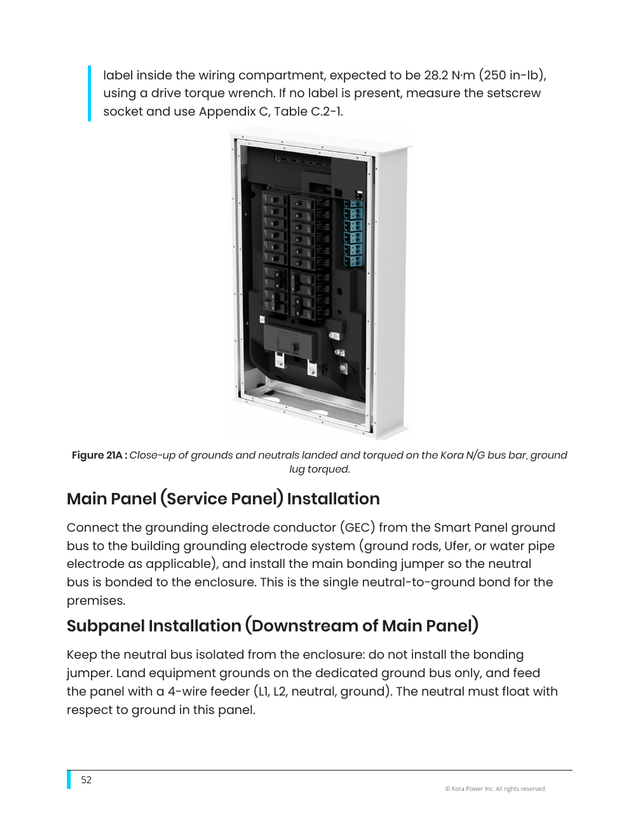
On a subpanel install, keep ground and neutral separated. Never double-lug a terminal.
Key steps
- Land ground and neutral on their bars and torque them down
- Bring in the two hots, L1 and L2
- On a subpanel install, keep ground and neutral separated
Part of the Kora Smart Panel installation series for licensed electricians installing the Kora Founders Edition. Previous: 2.2 Smart Panel as a Subpanel. Next: 2.4 Connecting Existing Solar.
From the manual
The matching pages from the Kora Smart Panel & Powerblocks Installation Manual. Always follow the manual and local code.
Share: